
A clear workflow
The document shows where it stands, what is missing, and who owns the next action.
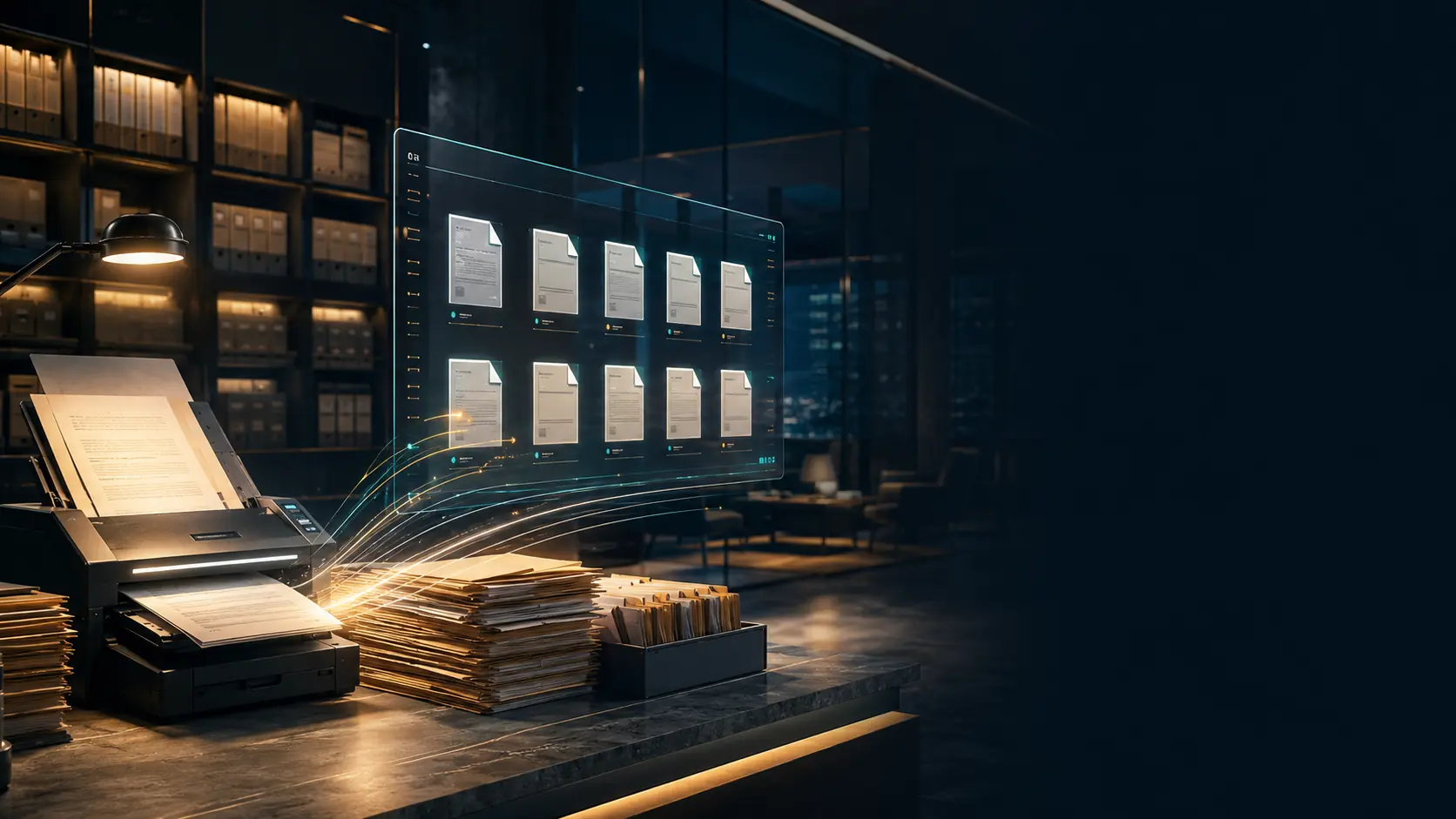
A local-first enterprise application that combines scanning, organization, review, and archiving with data synchronization and encrypted document files across multiple devices when connected.
Docxkeeper brings record data, files, activity, and relationships into one record, so a document never becomes a PDF detached from its story and responsibility.
The document shows where it stands, what is missing, and who owns the next action.
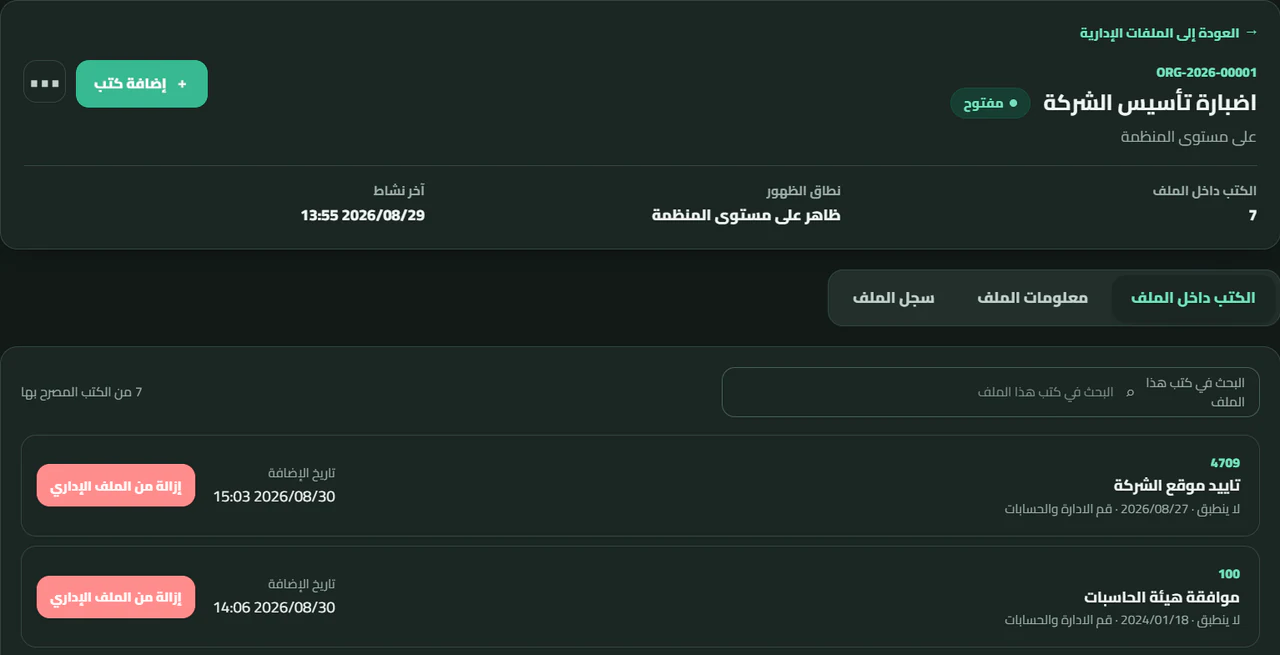
Entities, tags, replies, precedents, attachments, and referrals stay connected to the record.
Creation, review, archiving, and important changes remain within a clear history.
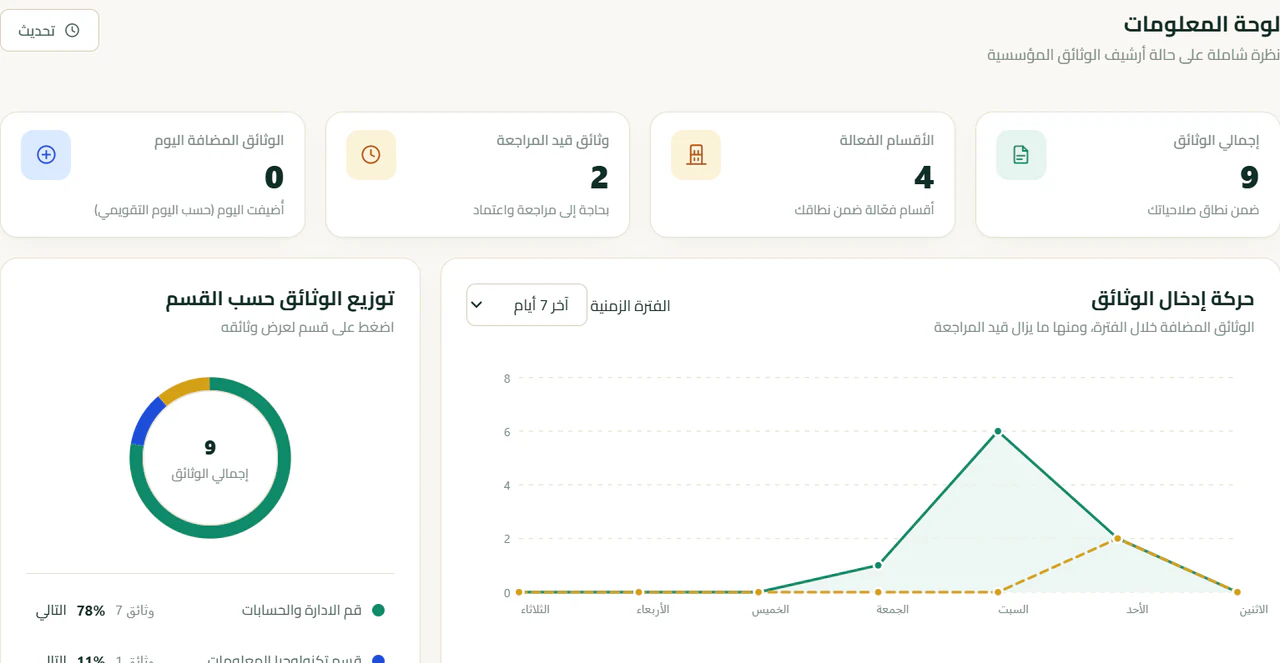
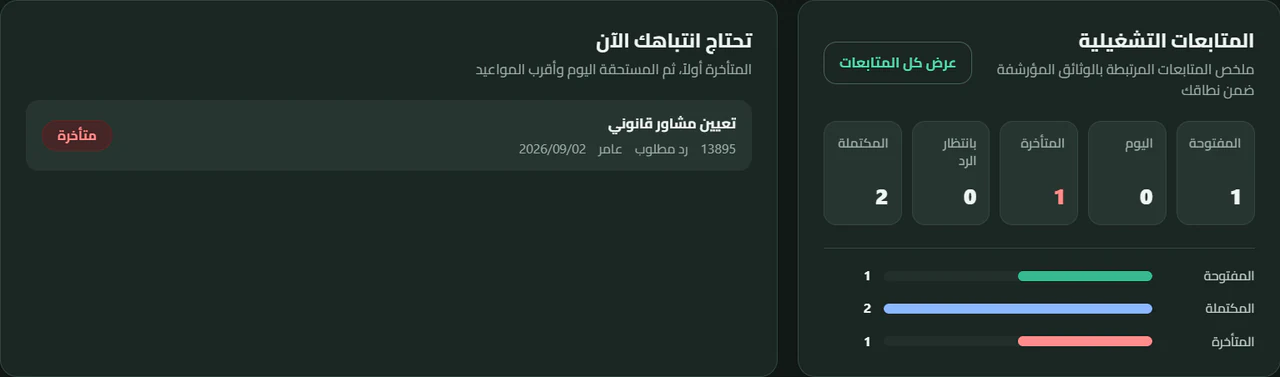
The dashboard gives staff a direct view of documents, review states, departments, and intake activity without hiding the details behind complex menus.
Work begins with a scanner or a range of digital files, then pages and record data are organized before formal review and archiving.
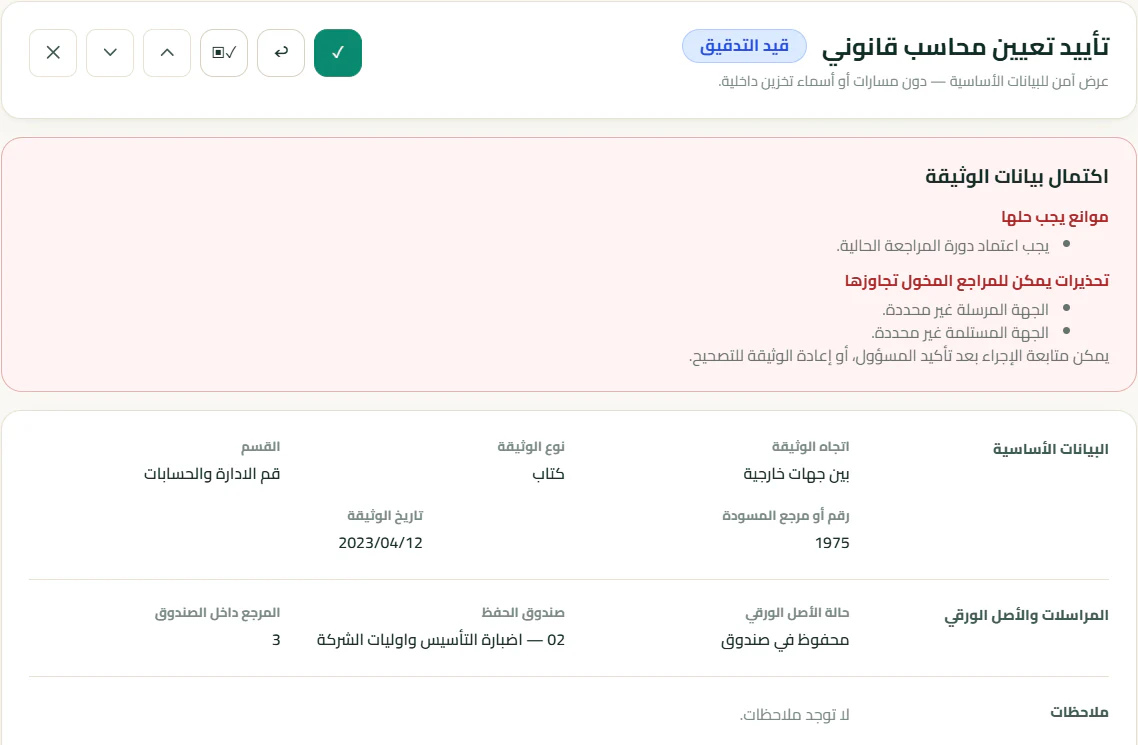
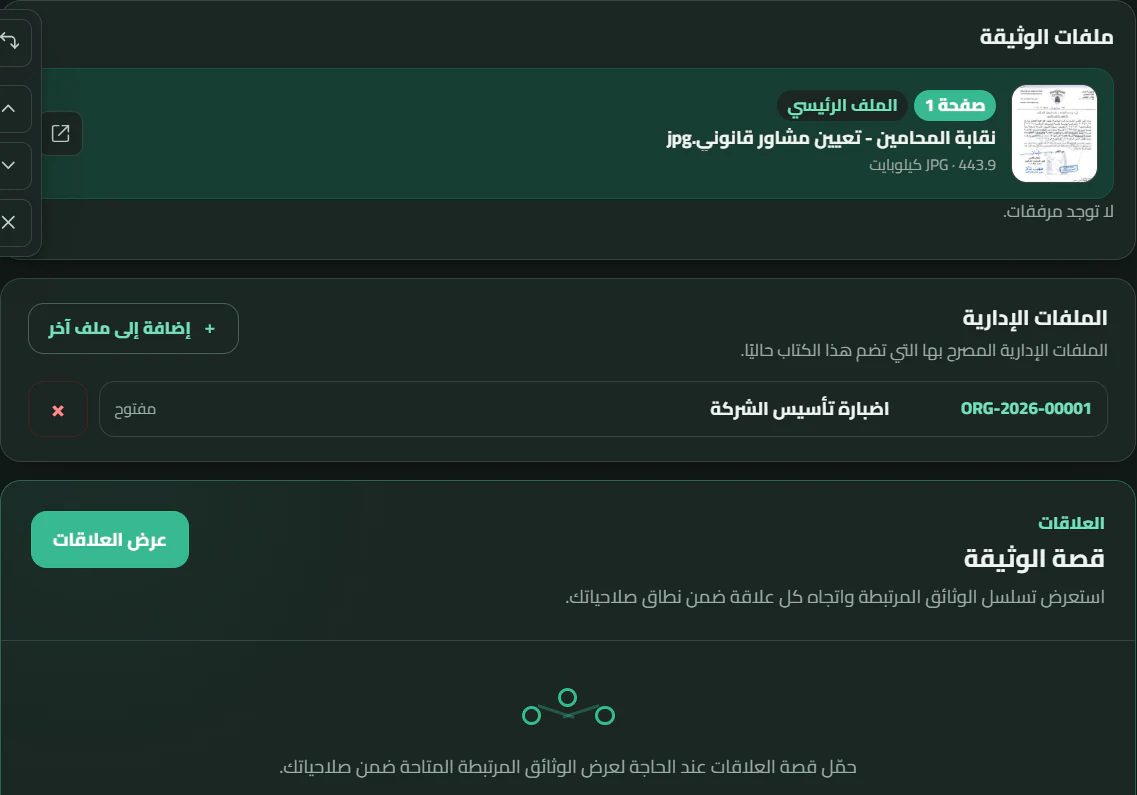
Docxkeeper treats a document not as an isolated file, but as a record connected to its entity, attachments, relationships, and the workflow that gives it meaning.
Track what needs to happen next, who is responsible, when it is due, and what is still waiting for a reply.
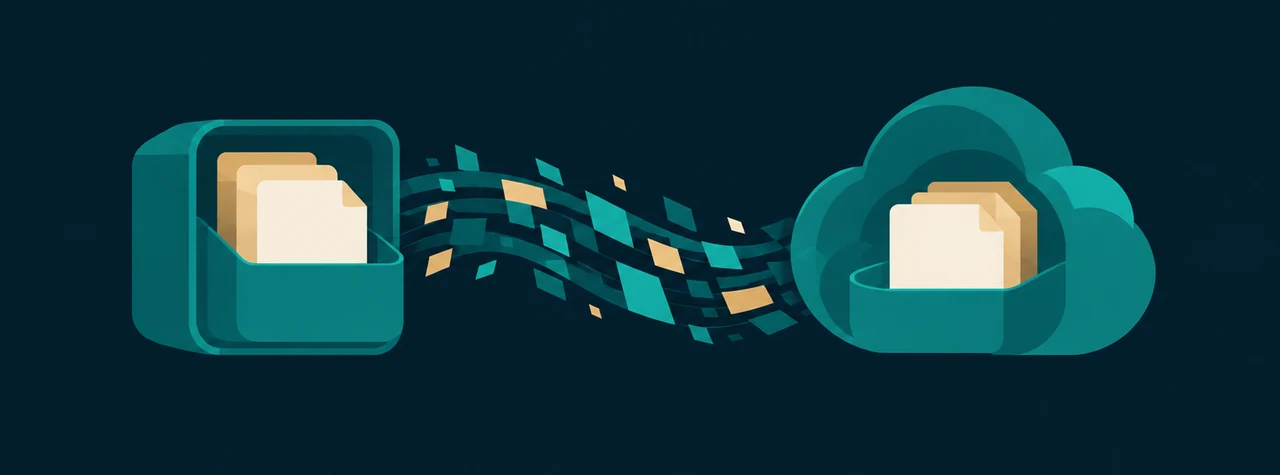
Data remains on the device so the Windows application keeps working locally. When connectivity returns, Docxkeeper synchronizes changes and encrypted document files across registered devices.
In Docxkeeper, protecting a document does not stop at a password. The local working database and the document file vault are protected by encryption, and when synchronization is used, document files stored in the cloud remain in their encrypted form.
That means practical protection in both cases: when your organization works locally with no connection, and when it links its devices through the cloud.
The result: your organization’s documents stay protected whether the work is local or connected, while authorized recovery remains possible when it is needed.
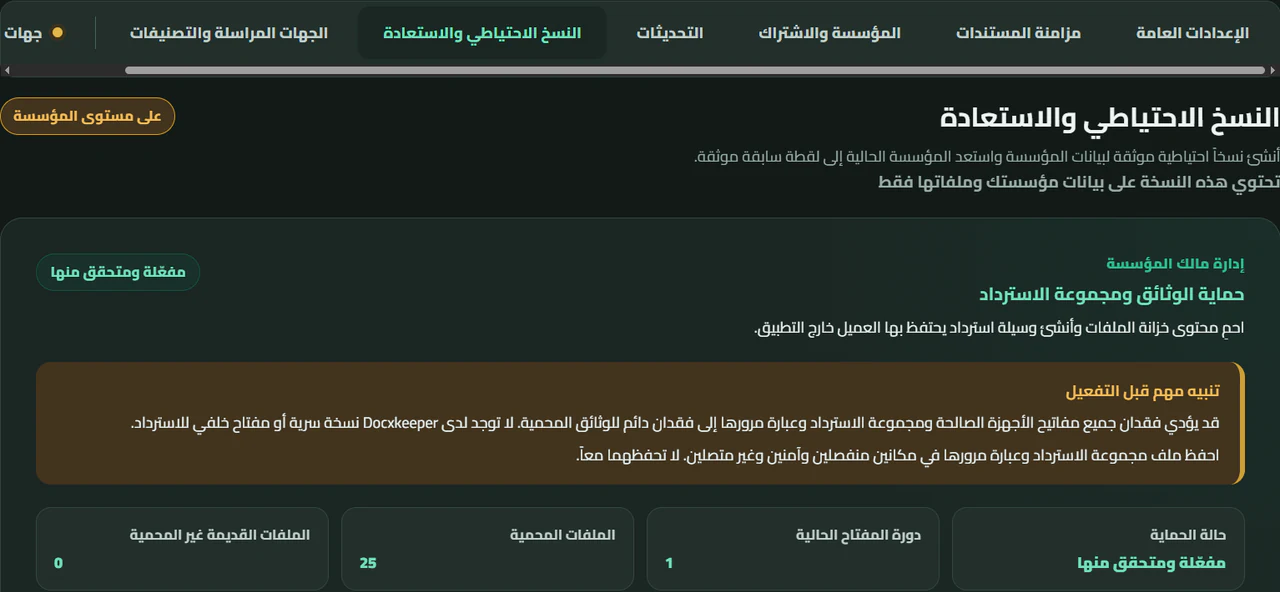
Docxkeeper protects document files, controls who can access them, and ties work to device identity and the audit trail instead of relying on a password alone.
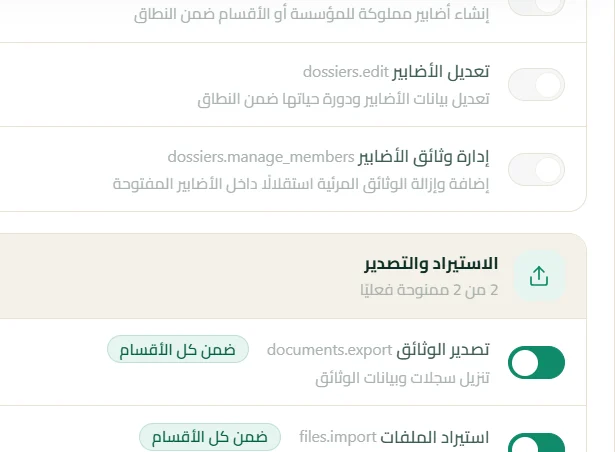
Start simply, then add users and departments as the work grows. Docxkeeper combines roles, department scope, and user-level permissions so each person receives access appropriate to their responsibilities.
A user’s access can be deactivated while their work history remains attributed. Access changes reach the connected work environment during synchronization, and user identity stays separate from device identity.
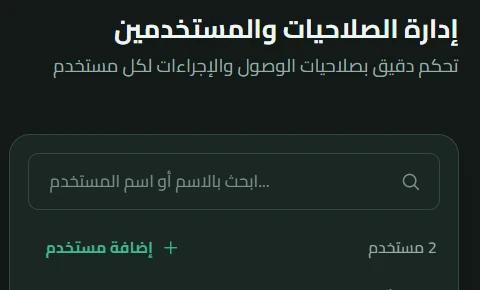
From document intake to finding it later, the details are designed around real daily work in archives and administrative departments.
Different institutions and organizations used earlier Docxkeeper releases for local archiving. Today, Docxkeeper continues its evolution with a new generation that combines local work, synchronization, and file protection.








These logos document the use of earlier releases; they do not imply use of the current synchronization service.
Start with one department, then expand users, departments, permissions, and devices when the institution is ready.
Official letters, committees, correspondence, and administrative follow-up.
01Contracts, correspondence, policies, and operational files.
02Correspondence, orders, department files, and administrative records.
03Administrative documents, correspondence, and interdepartmental permissions.
04Contracts, work files, and correspondence in an organized archive.
05What you need to know about Windows, local work, synchronization, and protection.
Have another question? Contact usYes. Core operations and local data remain available on the device, so work continues when connectivity is lost.
The application checks changes and synchronizes data and encrypted document files with the central service, handling conflicts instead of silently overwriting changes.
Yes. When synchronization is enabled, registered institutional devices can exchange changes, and each device has an independent identity whose access can be managed.
Yes. Docxkeeper protects document files with production encryption, and synchronized files travel in their encrypted form.
Yes. Docxkeeper is a Windows desktop application, and the current release package targets x64 architecture.
Yes. The application supports an Arabic RTL interface and an English LTR interface.
After installation, Docxkeeper can check for new releases and install them with your approval from inside the application.
Yes. It supports Windows scanning devices, multi-page capture, and page reordering and rotation before adding pages to the document.
Yes. The official Windows installer is available through the download page.
Tell us about your documents, departments, devices, and current workflow, and we will help you choose a practical starting point for your institution.
Request a Docxkeeper TrialStart on Windows, work locally, and connect when your institution needs synchronization.
30-day free trialNo payment card required.