
Single document
Docxkeeper saves the document, returns to Explorer, selects the new record, and opens its preview so work can continue from there.
Define the next action, assign responsibility, and set a due date—then see what is open, overdue, or still awaiting a reply.
Action, ownership, and timing stay in the document’s context.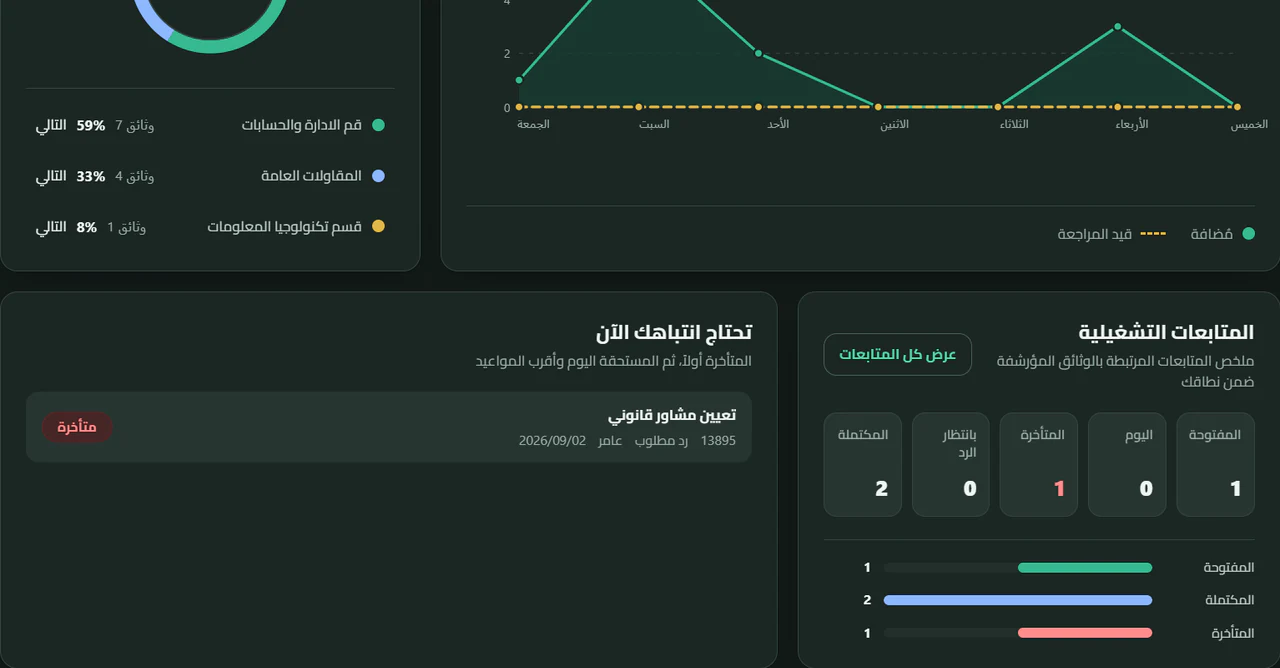
A letter may be registered and archived while the work around it is still open. Docxkeeper keeps that follow-up with the document record instead of leaving it in side notes or someone’s memory.
Once the document is archived, an open follow-up becomes visible operational work in the dashboard and follow-up queue.
Instead of searching for what the team may have missed, begin with a concise view of document-related work and move straight to the items that need action first.
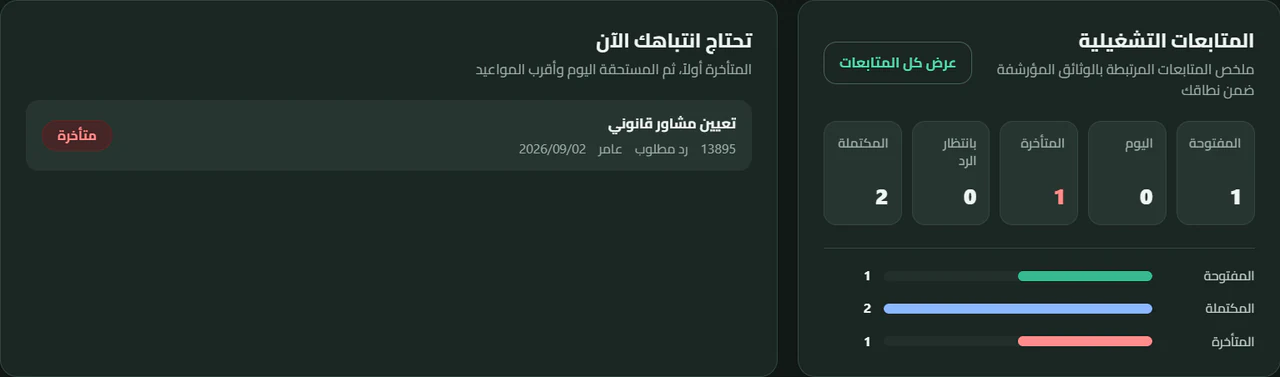
Staff and managers can open the complete follow-up queue and filter it by status, department, staff member, or document number. Every item leads back to its linked document.
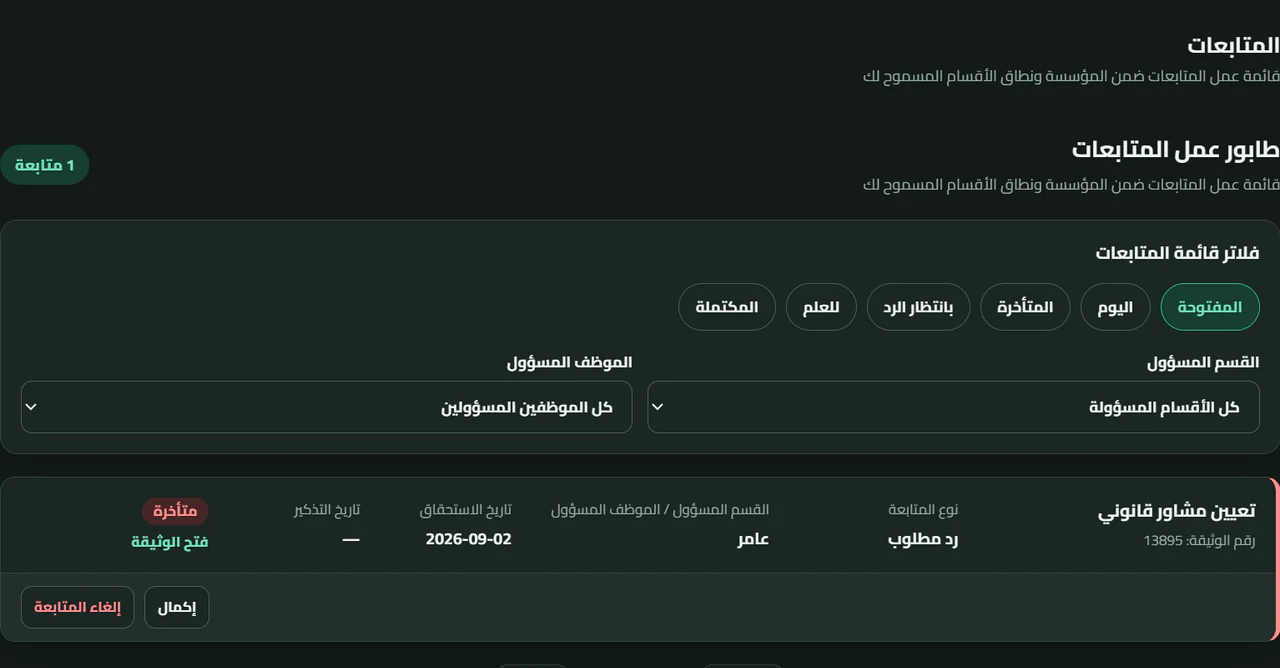
A document can carry more than one follow-up when necessary: an action for a department, a reply owned by a staff member, or an external response still pending. The official record stays singular while the work remains connected to it.
Document creation now opens as a full workspace inside the application, bringing document data, context, file preparation, and follow-up together in one connected path.

Numbering, dates, entities, subject, and the surrounding document context.
File Explorer, drag and drop, direct selection, scanner, or paste—then staging, thumbnails, reordering, image editing, and PDF merge.
Set the action, owner, and due date while creating the document itself.
Docxkeeper saves the document, returns to Explorer, selects the new record, and opens its preview so work can continue from there.
After saving, stay in the create workspace with a clean form for the next document—ideal when a stack of correspondence is waiting to be archived.

Make it the place that tells you what should happen next.